
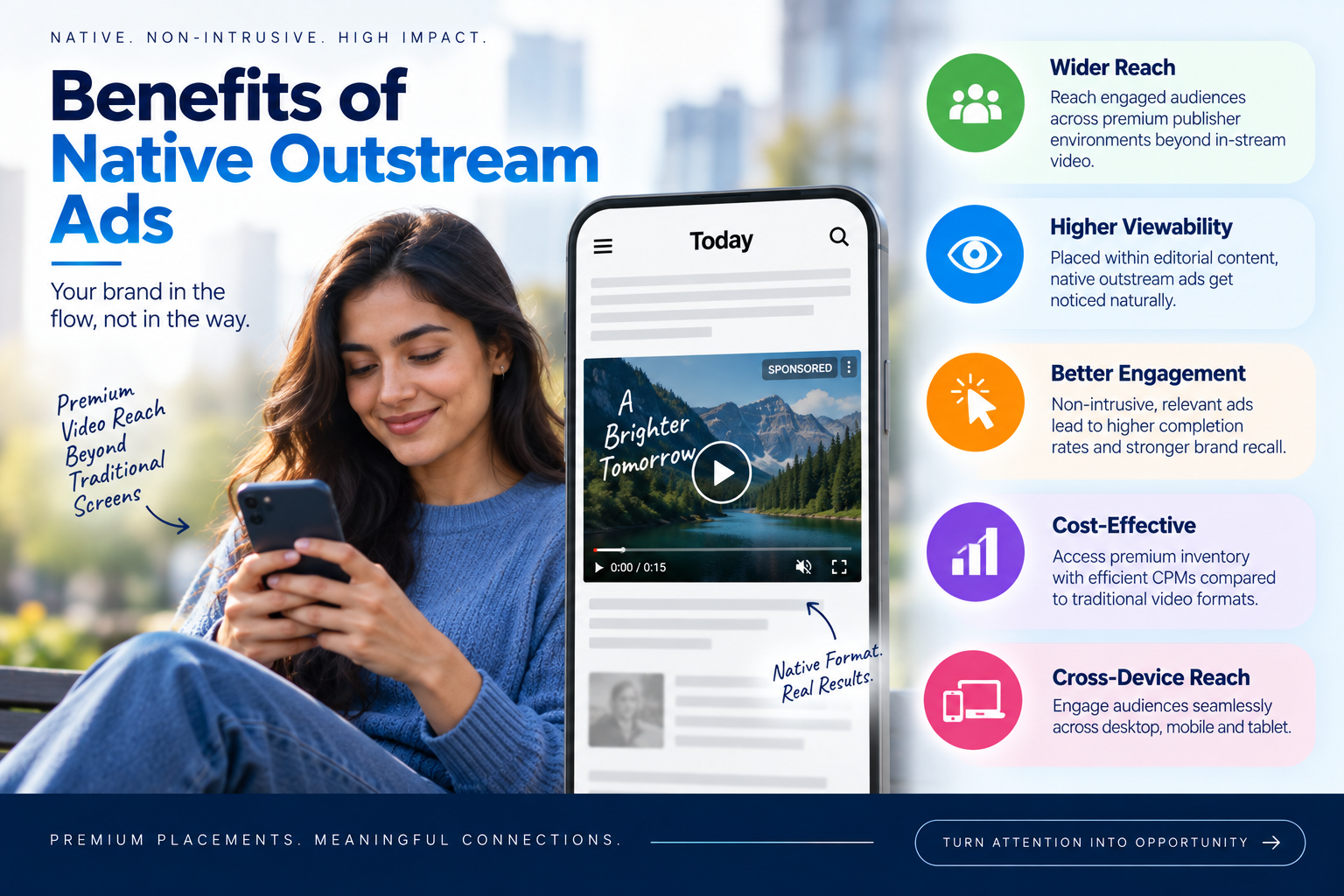
5 Key Benefits of Using Native Outstream Video Advertising

Video advertising is considered to be one of the most efficient ways of communication between brands and their target audience. Contrary to banners, which contain no visuals, sound, story telling and any other way to attract customer’s attention, explain his product, make him familiar with it and engage emotionally.

Through programmatic advertising, a brand can reach its potential client through video ads, displayed on multiple sites, applications or even other platforms. According to the type of video ad, a customer may come across the brand’s commercial before he watches the online video clip pr when he is reading an article.

There are three main types of video ads: In-stream, Interstitial & Native Outstream. In-stream video ads are shown to users before, during and after video clips, selected by them. Interstitial video ads cover the whole screen, especially mobile and appear between two clips or at some transition point. Native outstream video ads appear along with the written content, between the paragrah’s of an article or a blog. The video starts playing when it becomes visible and stops if the user scrolls down from it. Since native outstream are ads are meant to be natural to the page, it will be possible to deliver advertisements in a less disruptive way.

What is Native Outstream Video?

Native outstream video refers to a type of video ads that appear in the content of the page and not within a video. The term “native” refers to the fact that this type of ad is naturally part of the content. Unlike other video ads, native outstream video ads do not appear as disruptive ads since users are watching something else. The “outstream” refers to the fact that this type of video does not require pre-existing videos on the page. Rather, it appears in between text content.

Generally, the video plays automatically once the ad is in the viewing range of the user and pauses once the user scrolls past it.

Outstream vs. In-stream video Ads: What’s the difference?

The most straightforward way of distinguishing between these types of ads is by asking where the ad is placed. The in-stream video ad plays withing video content. If while watching YouTube, for instance, an advertisement pops up before or along with the video, this is the in-stream video advertisement.

Outstream video ads do not require video context to play. These ads can play within an article or any other content in the webpage. The video will start playing once it comes into view and pauses once it is out of the view.

To put it simply:

  • In-stream video ad: The ad plays withing the video.
  • Outstream video ad: The ad plays independently within the webpage.

Benefits of Native Outstream Video Ad

There are many benefits of using Native Outstream video ads. Let us mention five of them.

1. Native Outstream Video Plays for viewability

One of the major benefits of native outstream video is that it is developed to play only when the ad is in view of the user. Outstream video will usually begin playing once the user has scrolled to the ad and will pause the user scrolls away from it.

The reason it is beneficial is that advertiser wants the video to be viewed. Outstream video addresses the issue of viewability by playing when the ad becomes visible. This could provide advertisers with valuable information on how users interact with their advertisements by watching videos.

2. Native Outstream May Provide Better Quality Video Completion

Quality of video completions is another crucial aspect. The video completion refers to the user watching a video until its end. In some traditional video advertisement formats, the video might still be playing even if the user is not watching it anymore.

Unlike in case of the native outstream, the video will most likely be paused whenever it goes out of out of view. Thus the video will be playing only for the time that the ad is in the user’s view. Therefore the video completion may better demonstrate whether the user watched the video from start to finish.

3. Access to inventory

The first benefit of native outstream is the ability for the advertiser to reach Tier 1 publishers, which are usually considered quality websites. Premium websites might not provide enough traditional video inventory to allow the campaign to be run at a needed scale through pre-roll or in-stream placement of the video ad.

That is why native outstream gives an additional option. As native outstream ads are being embedded into editorial content, the publisher can provide inventory even if there is no traditional video on the page. It allows advertisers to gain success to a larger pool of premium inventory.

4. Suits Longer Video Content

Most advertisers are acquainted with short form video ads, for example, 15 second and 30 second advertisements. However, nowadays brands are producing longer videos meant to teach, entertain or deliver an in-depth story.

Longer videos are not the best fit for traditional ore-roll advertising as the user would have to endure watching a long commercial in order to see the content he or she really wants to see. One alternative would be to use native outstream. Because video appears within the actual content, advertisers can utilize the format for distribution of longer branded content.

5. Native outstream can aid performance

At the end of the day, advertisers want their campaigns to be effective. The performance driven nature of viewability, user driven control, and availability of a lot of inventory. The video will play when in view. Thus the advertisers can find out whether the users were exposed to their videos.

Also native outstream may be useful format for advertisers, who measure metrics such as Cost Per Completed View (CPCV). CPCV informs the advertisers of the price they pay for each completed video view.

Conclusion

Native outstream video offers advertisers the possibility of using video content to engage audiences through use of different channel from instream video advertising. The capacity of native outstream video to play when the ad is in view, operate on editorial content, and incorporate long videos provides a number of benefits to programmatic advertising campaigns.

Native outstream video can be used by advertisers who seek to go beyond in-stream and pre roll video ads and increase their reach with the help of videos. The right metrics should be tracked, and it is crucial to understand how users behave and measure results to see whether they align with the goals of the campaign.
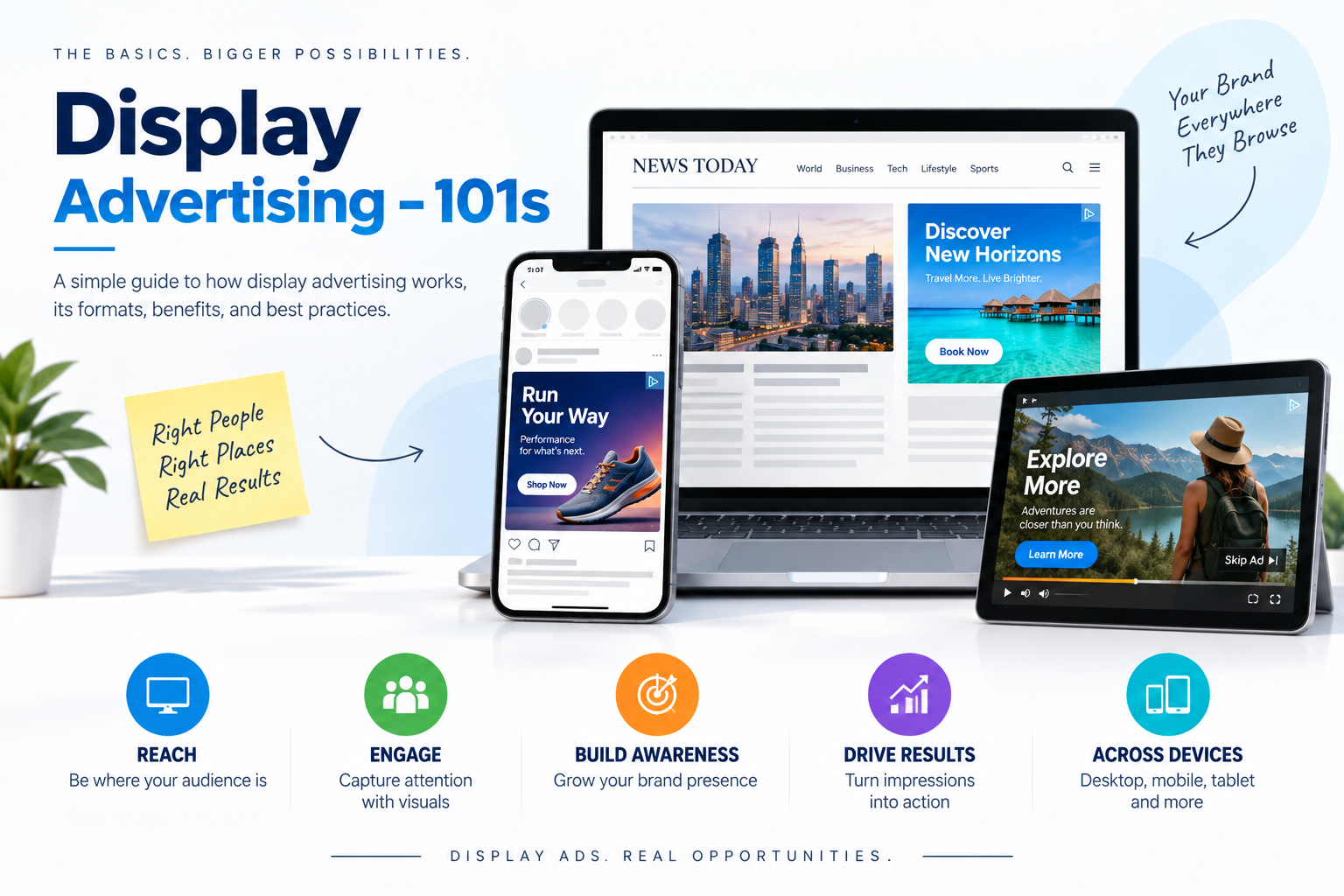
Display Advertising – 101s

First Things First – What is Display Advertising?

Display Advertising is a form of advertising which uses images, animations, and text in the form of an ad to convey the message of brands to the end user. When a user clicks on these ads, it will take them to the landing page where they can get to know more about the product or services the brand is offering, make a purchase, sign-up, or subscribe to the newsletter.

Display advertising is one of the strongest forms of advertising and it is widely used across the globe. Global advertising spends reached $992 Billion in 2025, up 4.9% year on year, according to Dentsu’s Global Ad Spend Forecasts. Digital accounted for $678.7 billion of that – a 7.9% increase and 68.4% of all ads spends worldwide.

What is Display Advertising in the Programmatic Ecosystem?

Programmatic display advertising is an automated process of buying and selling display ads across apps and websites using real-time bidding (RTB) technology, artificial intelligence (AI), and machine learning (ML). It helps brands, agencies, and advertisers reach the right audience at the right time more effectively and efficiently than traditional methods.

The entire bidding process happens within the blink of an eye! This has resulted in programmatic buying becoming the default way to purchase display ad inventory.

Fun Fact: Did you know that close to 90% of Display Advertising worldwide happened via Programmatic channels in the year 2025 and it is expected to grow even more.

Wondering Where Exactly Display Ads are Shown?

In simple terms, Display Ads can be shown across a wide range of digital channels such as Desktop, Mobile, Tablets, Connected TVs, and Digital Out of The House devices, allowing advertisers and brands to reach their audiences wherever possible.

The most common placements are:

  • Websites: Such as News, Articles, Celebrity gossips, Blogposts, etc.
  • Mobile Apps: Such as News applications, Gaming applications, Streaming services like YouTube Music, Spotify, JioSaavn, etc.
  • E-Commerce Marketplaces: Have you ever noticed while browsing through a product catalogue in Amazon, Myntra, Nykaa, etc., a similar product appears in the catalogue but has got the badge “Sponsored”? That’s exactly what these ads are; they appear alongside product listings or search results.

Display ads can show up as banner placements at the Top, Sides (Right or Left side), Mid-section, or bottom of the page. This can be in Rectangle, Leaderboard, Halfpage, etc.

How Does This Work?

Display Advertising works by placing advertisements across websites and applications to reach people with the right message as they browse content online.

In many cases, this happens programmatically with the ad inventory bought and sold in real time. In the backend, all these will be processed within milliseconds. When a user visits a website—let’s say you are browsing forbes.com—there will be multiple ad slots on the website. As soon as you load the page, an auction takes place in which advertisers and brands compete with each other via bidding to show their ads.

Here, a lot of factors come into play as to which ads will be shown to the user, such as targeting parameters set in the campaign, context, and the bid amount (CPM). If the targeting matches, then the highest bidder will win the slot and that ad will be displayed to the user.

Different Types of Display Advertising

There are many types of display advertising from standard static banners to rich media and video. Let’s deep dive into different types of ads:

  • Static ads: This is a fixed digital ad that uses a single unchanging image, graphic, or text. Every viewer sees the exact same visual content, regardless of their location or browsing history. Example: JPG, PNG, etc.
  • Animated ads: These use motion graphics and moving texts. They grab user attention faster than static images, making them very popular. Example: Gifs, HTML5, etc.
  • In-banner video ads: In-banner video ads are digital advertisements that place a moving video player inside a standard display banner slot on a web page. Unlike regular video ads that play before or during a video stream, these standalone units sit quietly on the top, sides, or bottom of a normal website.
  • Carousel ads: It is an interactive digital ad format that features multiple swipeable or clickable images or videos called “cards” within a single advertisement. Each individual card can have its own headline, description, and landing page URLs making it a flexible tool for storytelling.
  • Interactive ads: In this ad, instead of just watching or reading passively, users tap, swipe, play, or answer questions directly inside the ad unit.
  • Interstitial ads: Interstitial ads are full-screen advertisements that cover the entire interface of an app or website. They appear at natural transition points in the user flow, such as between game levels or after completing a task.
  • Dynamic display ads: Dynamic display ads are online banner advertisements that automatically change their image, text, CTA button, and price in real time. They adjust content to match the specific interests, browsing history, or device data of each user.

Common Display Ad Sizes

Display ads come in a range of different sizes, most of which are defined and standardized by the Interactive Advertising Bureau (IAB).

Common Desktop Sizes:

  • 300×250 – Medium rectangle
  • 300×600 – Half page
  • 728×90 – Leaderboard
  • 160×600 – Skyscraper
  • 970×250 – Billboard

Common Mobile Sizes:

  • 300×50 and 320×50 – Mobile leaderboard
  • 300×250 – Medium rectangle
  • 480×320 – Mobile landscape interstitial
  • 320×480 – Mobile interstitial
  • 1080×1920 – Vertical fullscreen

Who Can Use Display Advertising?

Any business or individual wanting to build brand awareness, retarget previous website visitors, or promote products and services online can use display advertising. It is accessible through DSPs and can be used by everyone from small businesses to large enterprises.

Benefits of Display Advertising

Display advertising is a very powerful component of a marketing strategy, enabling superior engagement and measurable outcomes.

  • Increased brand value: Display advertising contributes significantly to long-term brand building and firm value.
  • Target customers with audience segmentation: This allows brands to reach their audience with precision. By activating custom audience segments built from first-party data, brands can target users based on real-time behaviours and intent, ensuring ads are seen by the most relevant users.
  • Reach and frequency you can actually control: Buying programmatically across thousands of sites and apps lets you cap frequency at the user level and manage precise reach, which is something you can’t do stitching together direct site/app buys individually via traditional methods.
  • Speed and flexibility: You can take a campaign live in a few hours, do creative swaps mid-flight, and shift budget between campaigns/line items with ease. Perfect for special product launches, seasonal pushes, limited-time deals, reactive campaigns, survey campaigns, and many more!
  • Measurable against the right KPI: Be it eCPM, viewability, CPC, CTR, brand lift studies, or geo-attribution, all are available.

Display advertising isn’t just about chasing clicks or actions—it’s about being present, consistently and visibly, wherever your audience already spends their attention. Done well with the right inventory, sensible frequency caps, and creatives that actually tell the story, combined all, this builds the kind of familiarity that pays off long before anyone reaches a check-out page.

The brands that win at display are the ones that stop measuring it like performance marketing and start treating it as what it is: reach, scale, quality, and control.